Capture Your Computer Screen for Your World to See
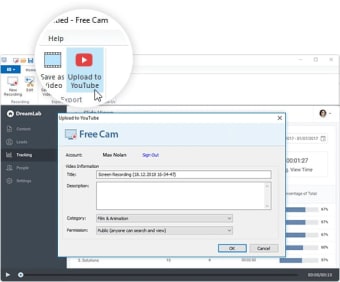
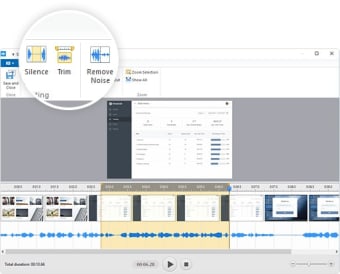
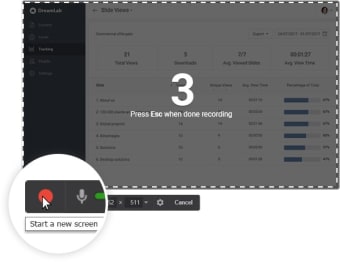
iSpring Cam is a tool that lets you record any portion of your screen, save the recorded video as WMV, edit the video recorded, and upload it to YouTube directly. The program helps address a range of screen sharing problems. For example, you can use it to troubleshoot a system issue or let another person see how you work to solve a technical issue. This video feature also helps teach others how an app functions or is used. The tool supports high-quality video recordings, offering you all the tools needed to document screen actions and modify the output for online sharing.
Kristina has professional experience in Europe, the United States, and Asia, specializing in communication and languages. She values adaptability in multicultural settings and brings this perspective to her writing. Her content reflects clarity, cross-cultural awareness, and practical expertise in connecting ideas through language.
Pros
Solid media recording solution
Hot key support
Supports high-quality video recordings
One-click direct upload to YouTube
Cons
Installation process could be challenging
No webcam support
Screen-capture size increases could hamper quality
Laws concerning the use of this software vary from country to country. We do not encourage or condone the use of this program if it is in violation of these laws. Softonic may receive a referral fee if you click or buy any of the products featured here.

.png)









.png)